Web Pages#
This section describes how the Web UI works and how to use it.
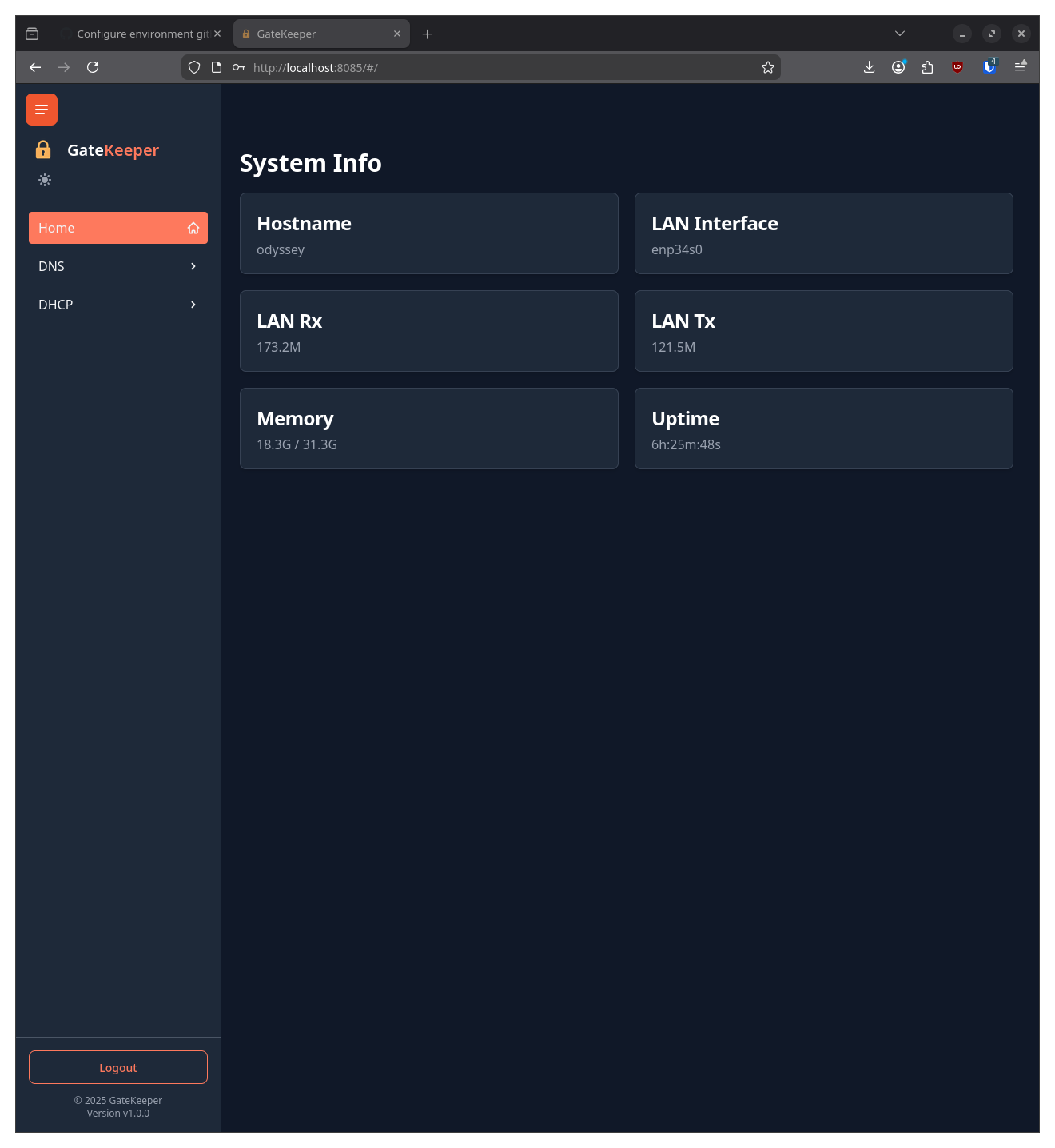
Home Screen#
The home screen is the default landing page for the Web UI. It shows a brief summary of the system status
DHCP#
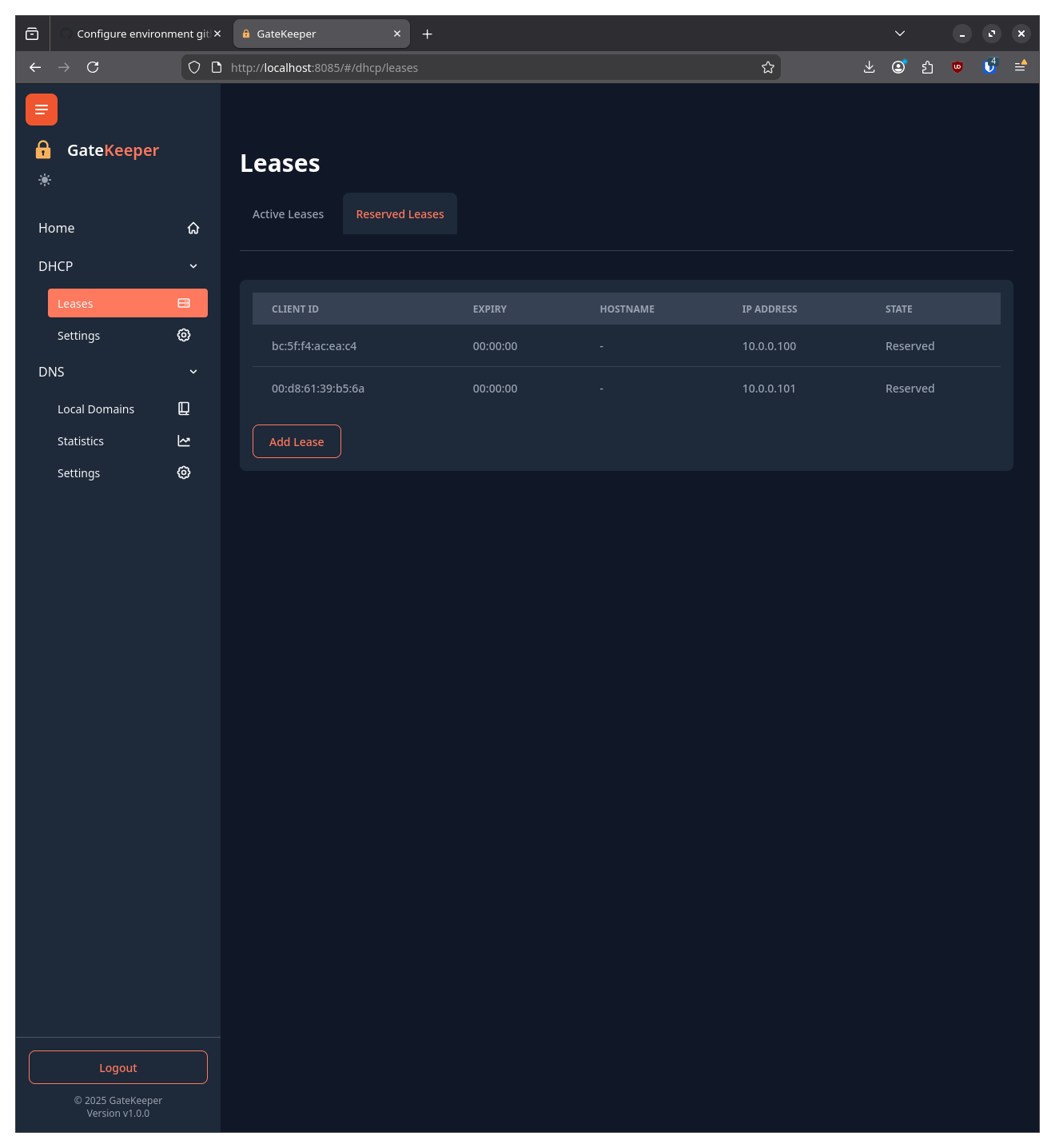
The DHCP page shows settings and current leases for the DHCP server.
Active DHCP Leases Reserved DHCP Leases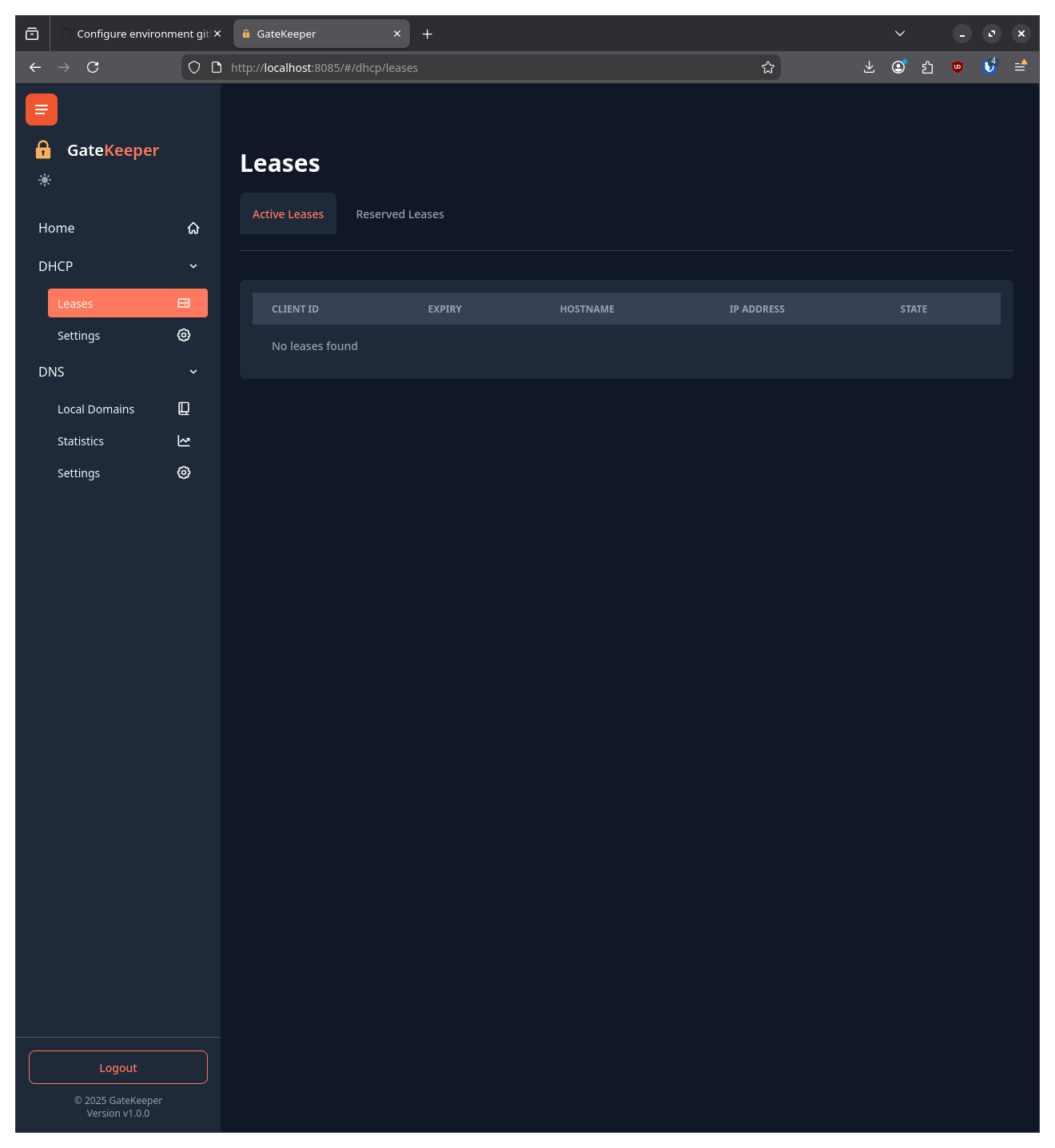
DHCP Settings#
DHCP Settings are saved under the DHCP section of the configuration file.
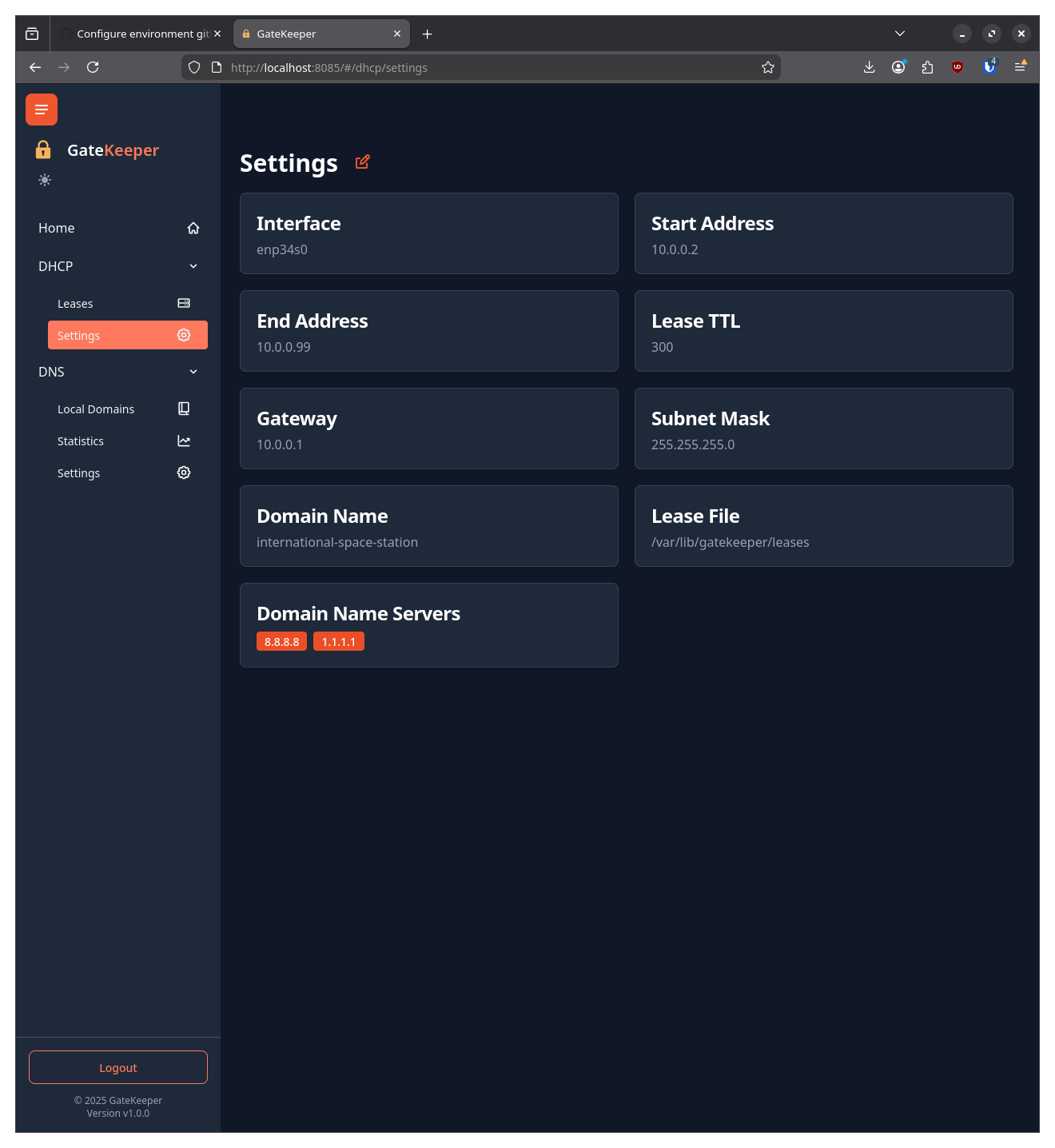
DHCP Settings
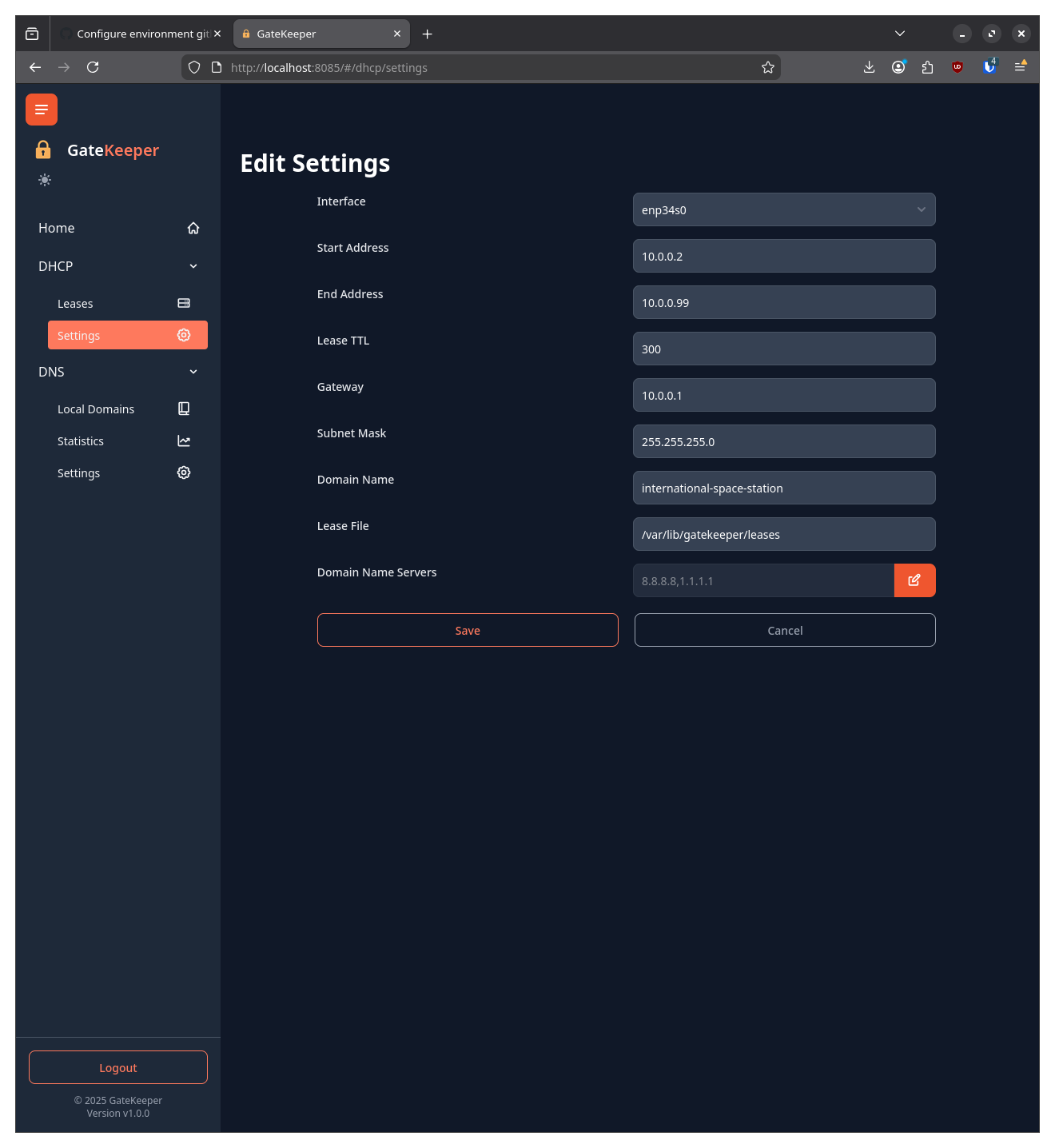
Clicking on the Pencil icon next to the Settings will title will open the Settings in a modal dialog.
DNS#
The DNS page shows local domains, statistics and settings for the DNS server.
Local Domains#
Local domains are saved under the LocalDomains section of the configuration file.
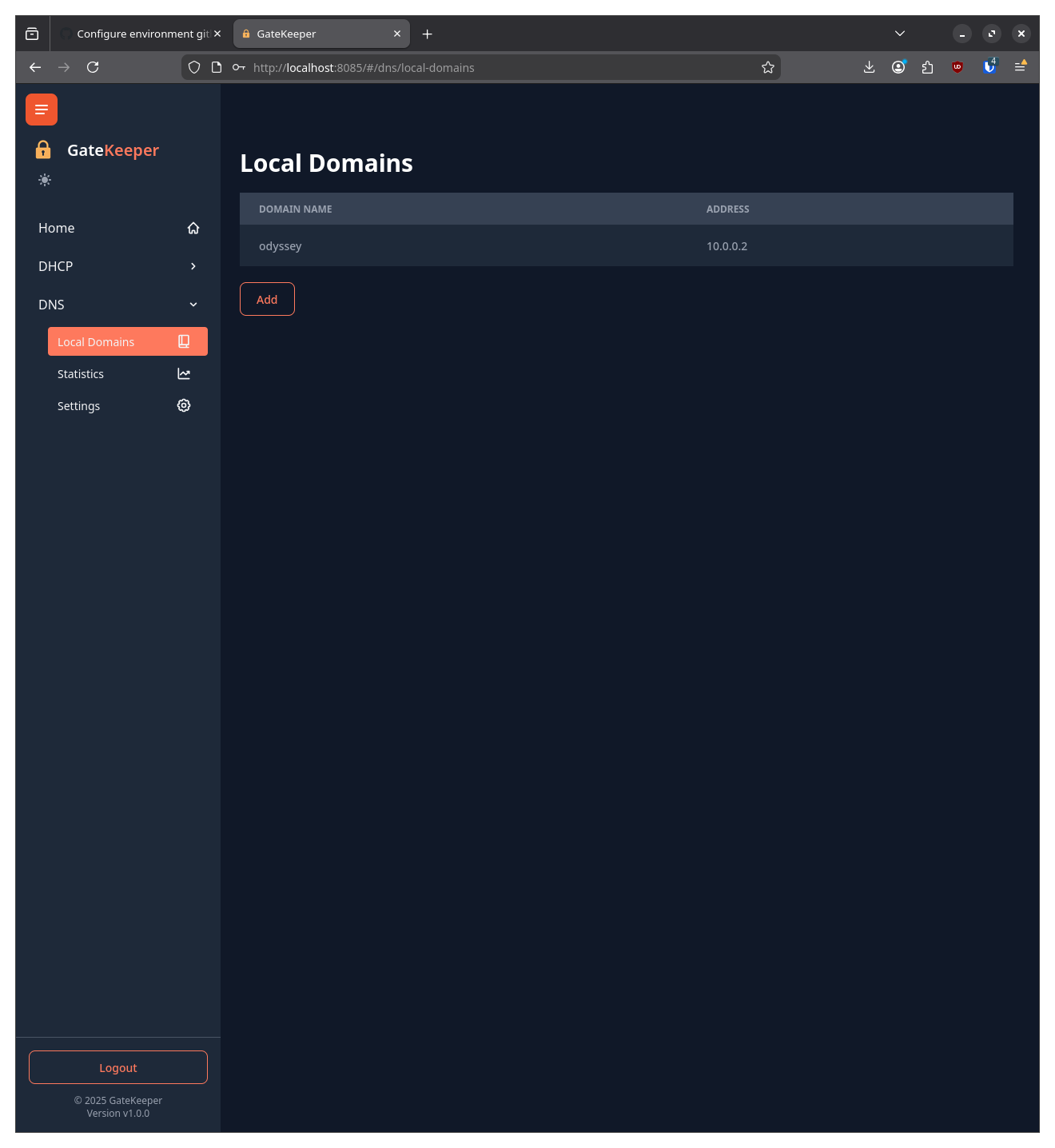
Clicking the Add button will open a modal dialog to add a new local domain, and clicking on an entry in the list will open a modal dialog to edit it.
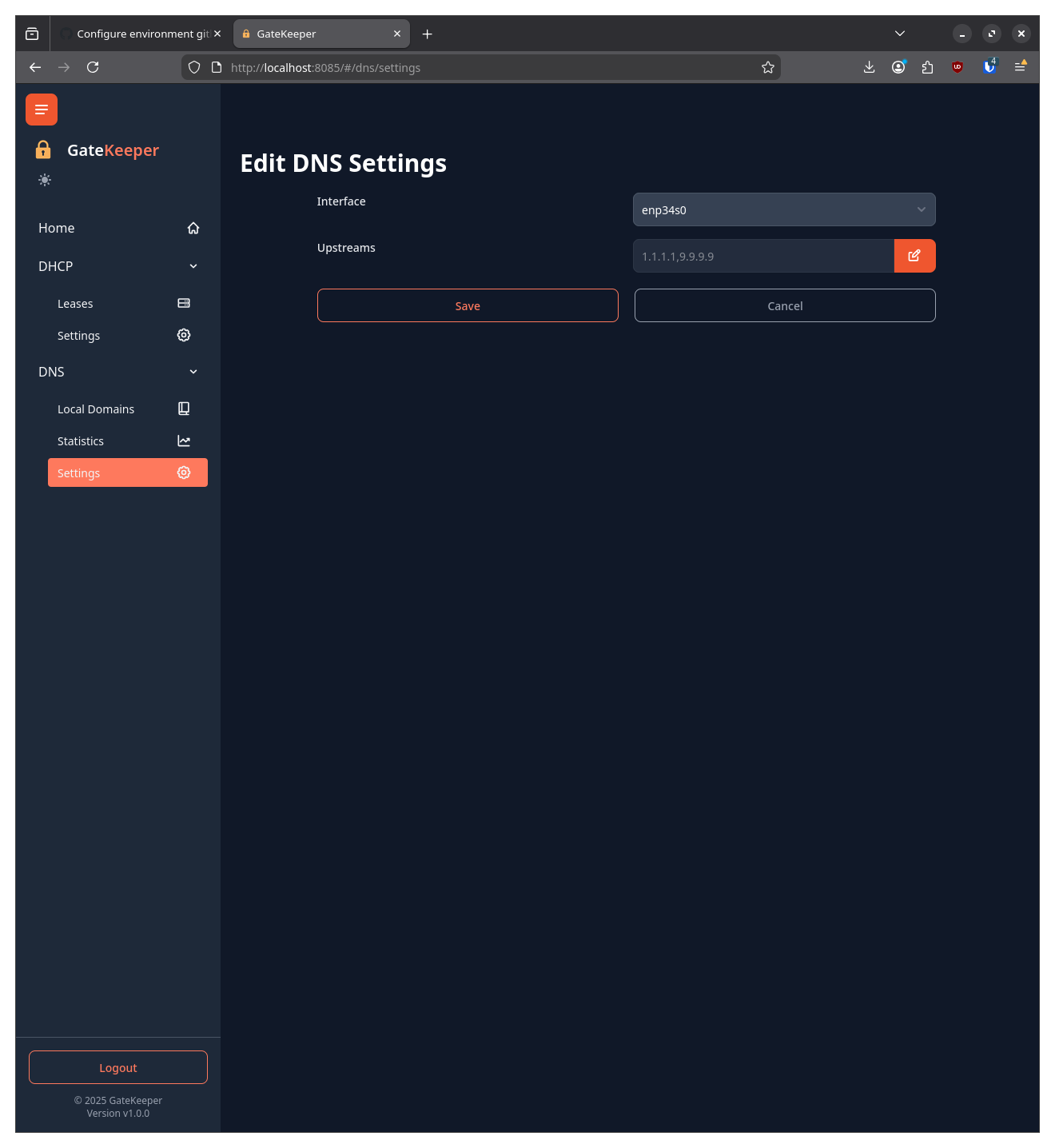
DNS Settings#
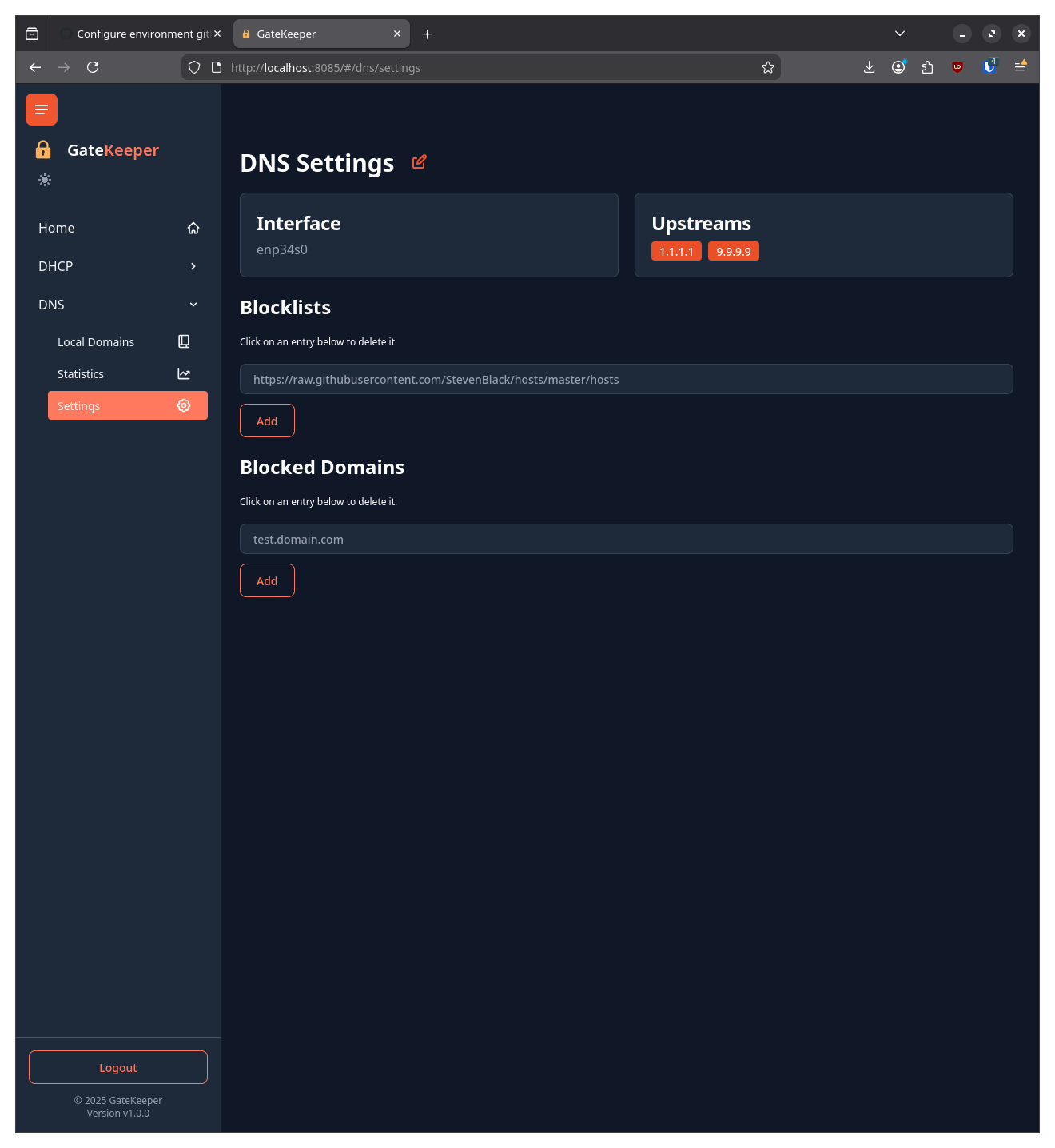
Clicking on the Pencil icon next to the Settings will title will open the Settings in a modal dialog.
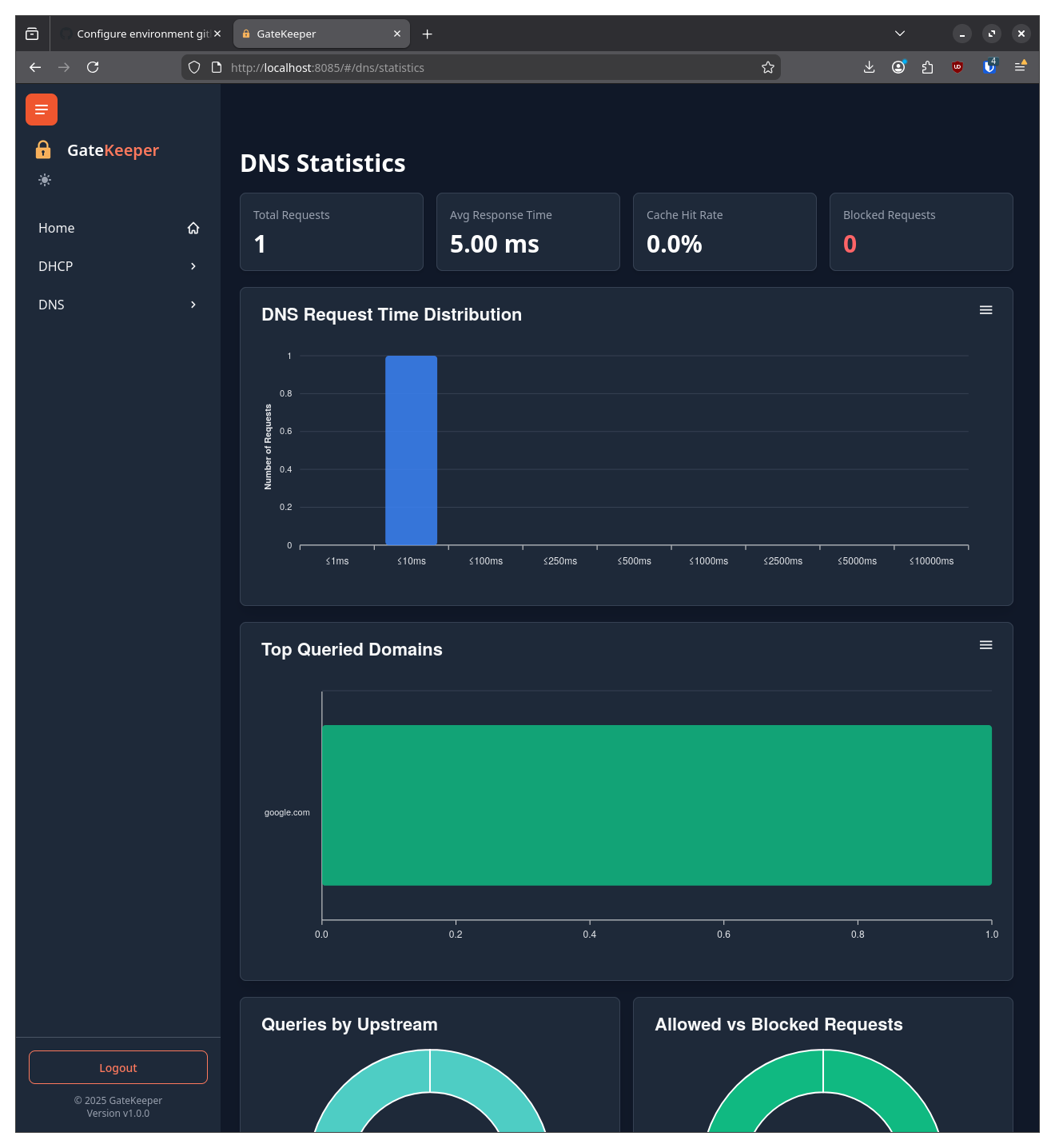
DNS Statistics#
The DNS Statistics page shows statistics for the DNS server.